
Sort Control widget: let visitors sort a Loop Grid (Pro)
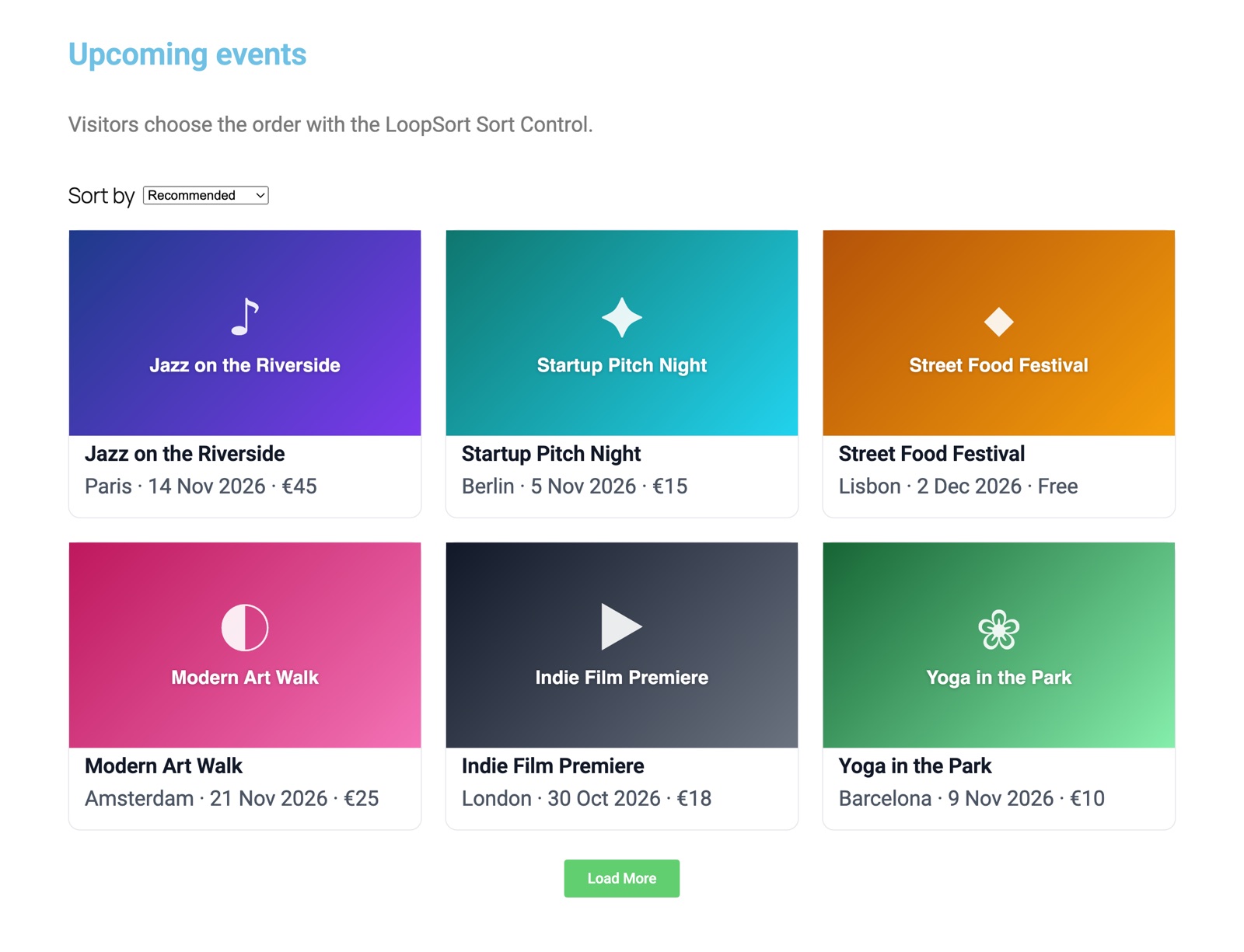
The Sort Control widget adds a sort dropdown, buttons or radio buttons to an Elementor Pro Loop Grid. When a visitor picks an option, such as “Price: low to high”, the grid re-sorts in place without reloading the page.
Set it up
- Drag the Sort Control widget onto the page, near your Loop Grid.
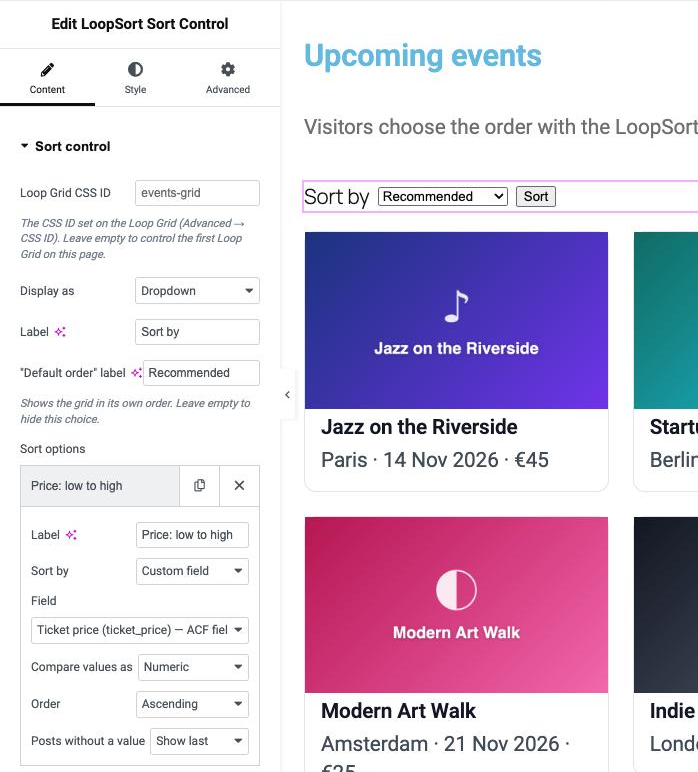
- Leave Loop Grid CSS ID empty to control the first Loop Grid on the page. With several grids, give the grid a CSS ID (Advanced → CSS ID) and type the same ID here.
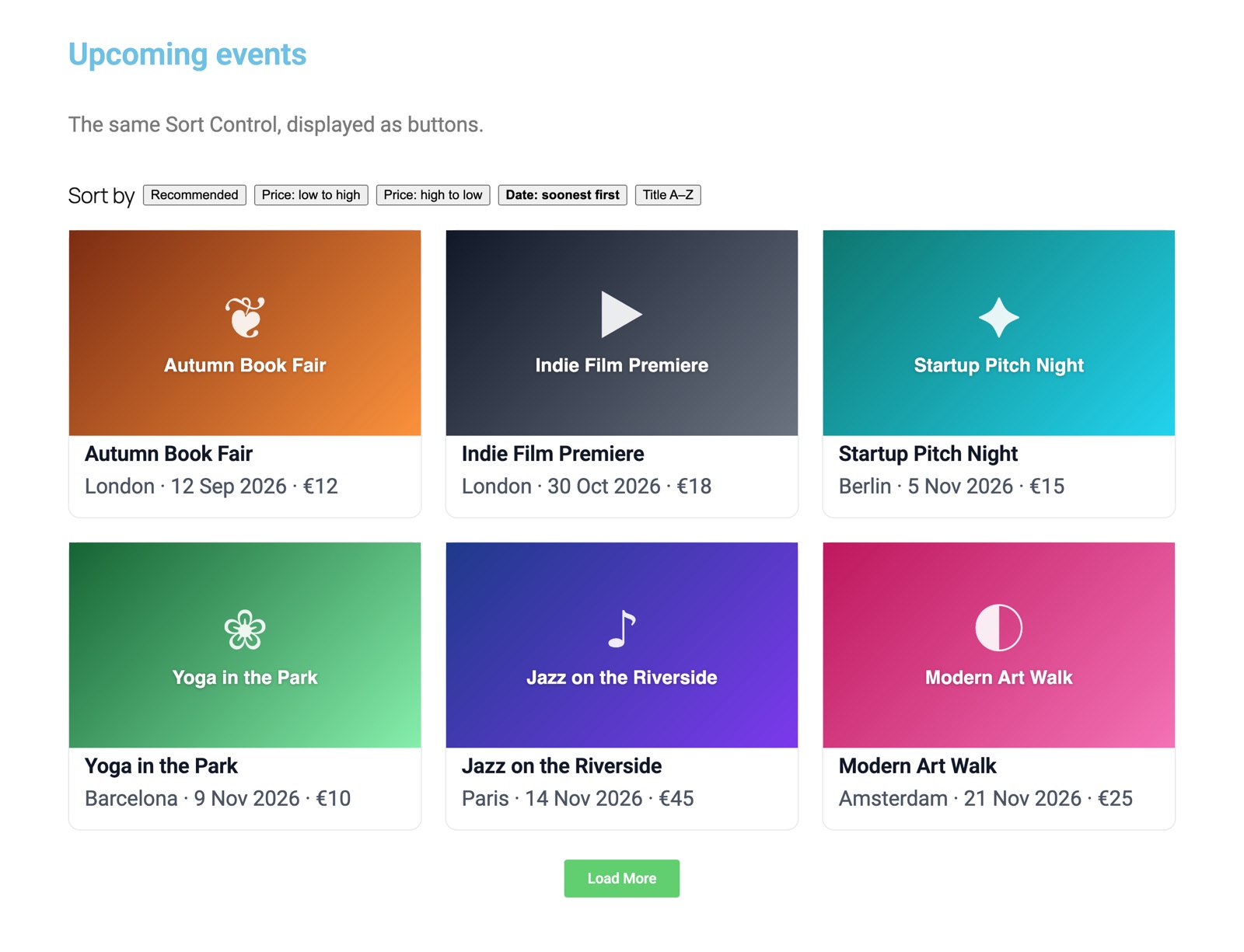
- Choose Display as: Dropdown, Buttons or Radio buttons. Set the Label (e.g. “Sort by”) and the “Default order” label (e.g. “Recommended”; leave it empty to hide this choice).
- Add Sort options (see below), style the widget in the Style tab, and publish.
Sort options
| Setting | What it does |
|---|---|
| Label | The text visitors see, e.g. “Price: low to high”. |
| Sort by | Custom field (any supported field source or meta key) or Post field: Date, Last modified, Title, Menu order, Comment count. |
| Field / Meta key, Compare values as | As in the LoopSort section (custom field options only). |
| Order, Posts without a value | As in the LoopSort section. |
An option replaces the grid’s first sort level while it’s chosen, and filters and presets still apply. “Default order” goes back to whatever the grid is set to in the editor.
Styling
The Style tab has Label settings (color, typography) and Choices settings: text color, background, active button text and background, border radius, padding and gap.
Shareable links, pagination and visitors without JavaScript
- The visitor’s choice is added to the address bar, e.g.
?loopsort=…, so a sorted view can be bookmarked or shared, and the Back button works. - Pagination and Load more keep the chosen order.
- Without JavaScript the control is a normal form with a submit button: the page reloads sorted.
- With several grids, each control uses its own grid’s parameter (
loopsort[grid-id]=…), and choices for other grids on the page are kept.